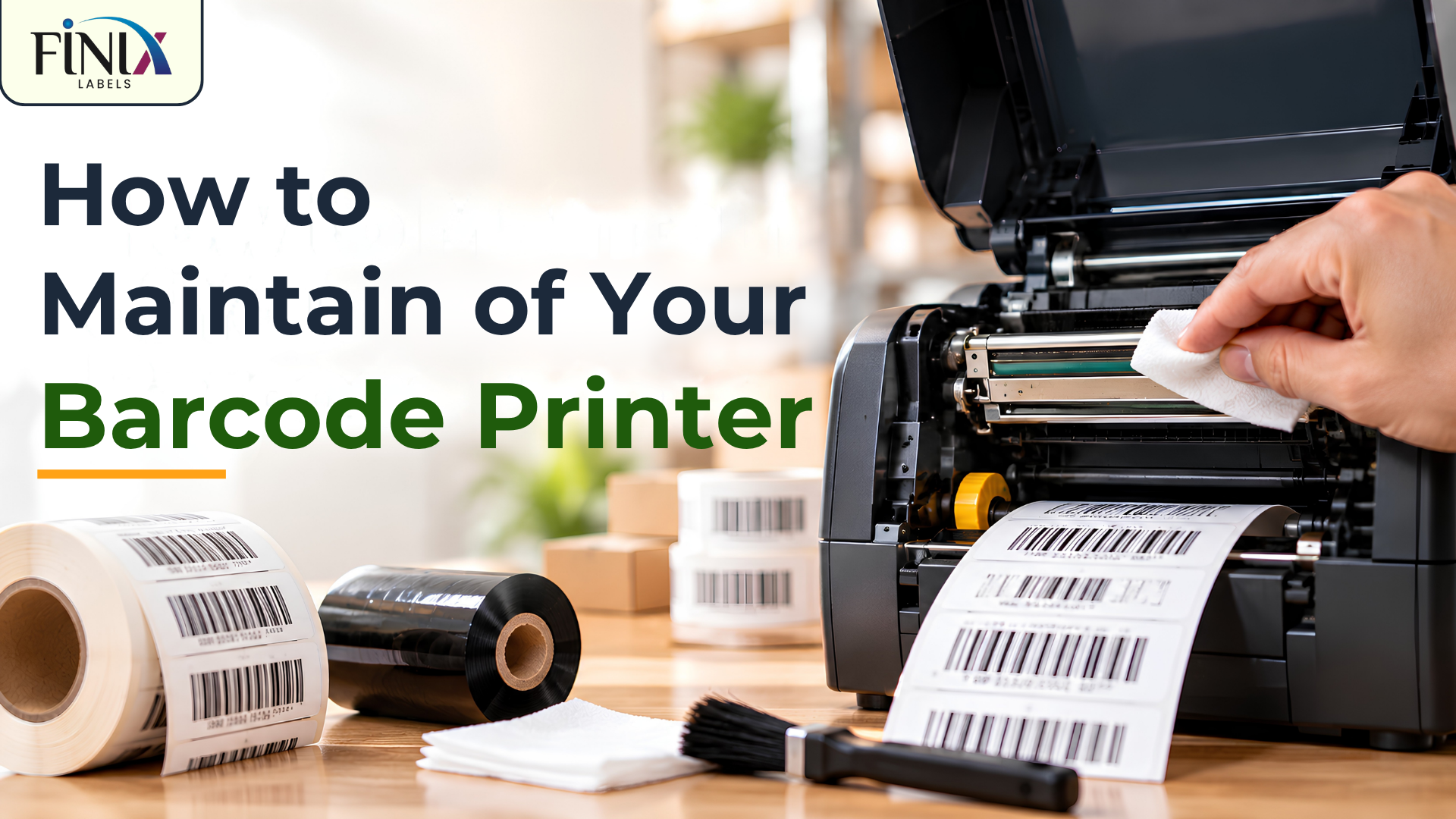
How to Maintain of Your Barcode Printer
Barcode printers are used every day in shops, warehouses, manufacturing units, and packaging areas. When a printer is used regularly, dust, adhesive residue, and normal wear can slowly affect its performance and lead to break-downs.
A few simple barcode printer maintenance steps can help keep the printer working properly. Regular care can also reduce printing interruptions, label waste, and unnecessary service requirements.
Keep the Printer Area Clean
The place where the barcode printer is kept can affect its performance. Dust from cartons, packaging materials, and busy work areas can enter the printer over time.
Keep the printer in a clean and dry area as much as possible. Wiping the outside of the printer and keeping the surrounding area clean can help reduce dust entering the machine.
Clean the Print Head Regularly
The print head is an important part of a barcode printer. Dust, ribbon residue, and adhesive can collect on it during regular use.
A dirty print head may affect the clarity of printed text and barcodes. Regular print head cleaning, following the printer manufacturer’s instructions, can help maintain clear printing.
Avoid using sharp objects or unsuitable cleaning materials on the print head, as they may damage it.
Use the Right Barcode Printer Ribbon
For thermal transfer printing, the ribbon should match the printer and label material.
Using an unsuitable or poor-quality barcode printer ribbon may affect print quality and can create unnecessary printing problems. Wax, wax-resin, and resin ribbons are designed for different label materials and applications.
Selecting the correct ribbon for your barcode labels can help produce clear and readable prints.
Handle Label Rolls Properly
Label rolls should be stored in a clean and dry place. Dust, moisture, or damage to the roll can affect how smoothly labels move through the printer.
Before loading a new roll, check that the labels are in good condition. Load the roll correctly and make sure it moves smoothly through the label path.
Proper handling can also reduce unnecessary label waste.
Avoid Unnecessary Setting Changes
Printer settings are usually adjusted according to the label material, ribbon, and printing requirement.
Frequently changing print speed, darkness, or other settings without checking the requirements can affect print quality. If a setting is working correctly for a particular label and ribbon combination, avoid changing it without a reason.
Follow Periodic Maintenance
Regular barcode printer care should not begin only when a problem appears.
Check the printer periodically and clean the print head, rollers, sensors, and label path as recommended by the manufacturer. Parts that show signs of wear should also be checked at the right time.
Periodic maintenance can help reduce unexpected printer downtime during regular operations.
Final Thoughts
Good barcode printer maintenance does not have to be complicated. Keeping the printer clean, using suitable ribbons and labels, handling label rolls properly, and carrying out periodic maintenance can help reduce printing problems and unexpected downtime.
At Finix Labels, we provide barcode printer service and maintenance through our experienced service team. Our team supports customers with regular maintenance, printer checks, and service requirements to help keep barcode printers working properly. We also provide barcode printers, barcode labels, ribbons, self-adhesive labels, and customised label solutions for different requirements.
For enquiries:
📧 info@finixlabels.com
📞 +91 98464 31143